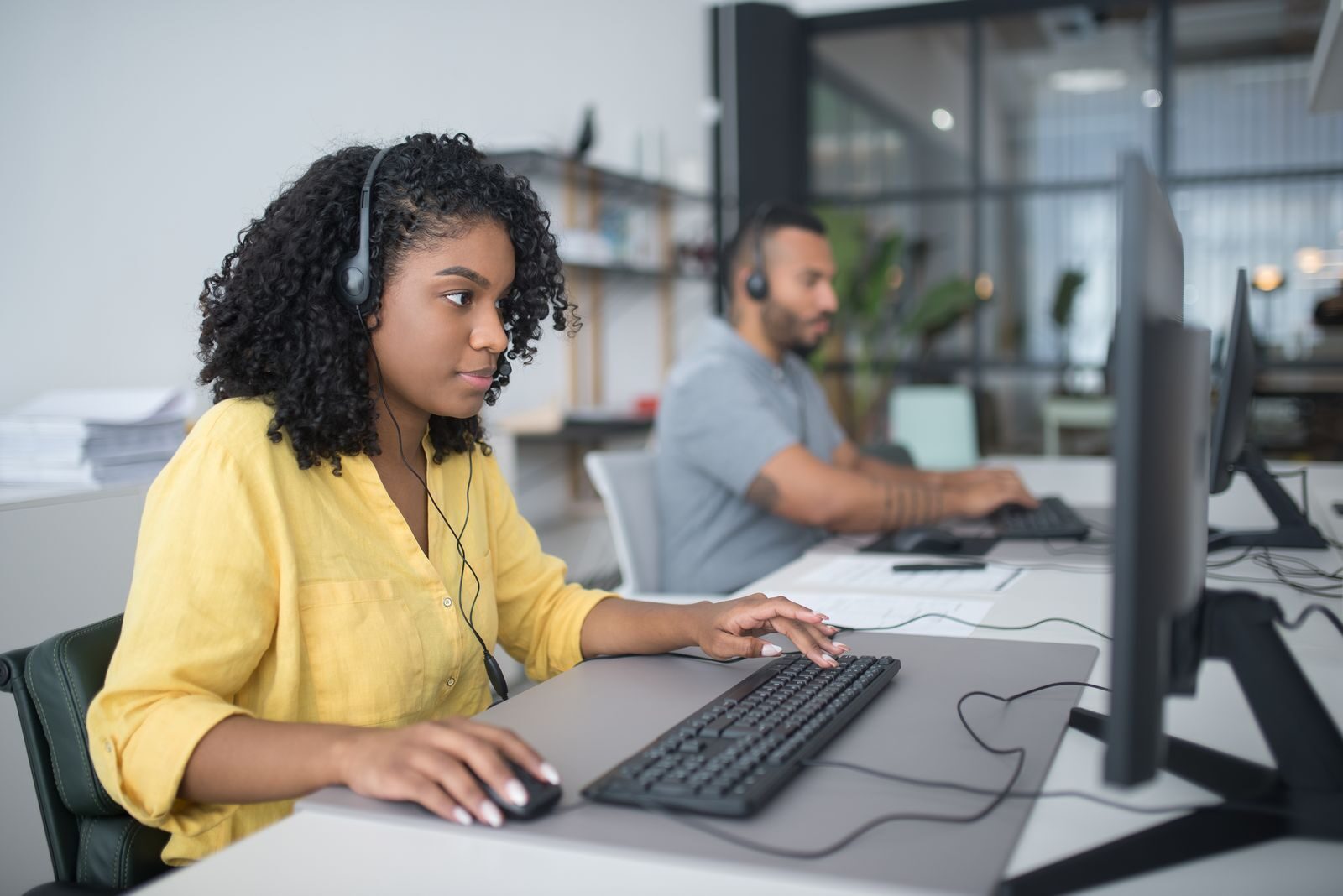
There are many people who think dual-screen monitors are boring to work with. But they have some creative uses that can win your heart. They make it possible for you to manage emails on screen and several documents on the other. However, the truth is that they can do a lot more than that. These screens are not only about getting more done. You can easily change the way you work and create with them.
Now, let’s have a real look at the creative uses for dual-screen monitors. They can amaze you and become a game-changer for you.
1. Coding on One Screen, Testing on the Other
Anyone who has written code knows how annoying it is to switch back and forth between the editor and the browser. You type something, save it, flip over, and check if it works. Then repeat the cycle a hundred times.

With two monitors like the Geminos dual screen monitor, that routine disappears. Keep your code editor wide open on one screen. On the other hand, run your live testing environment. You’ll see your changes appear instantly while keeping your focus where it belongs—on the logic you’re building.
Why it helps:
- Stops you from breaking focus every few minutes
- Gives instant feedback on errors or bugs
- Makes debugging less painful
2. Using References While You Draw
Various digital artists often keep a folder of references. It may include the faces, landscapes, or color palettes. But the real challenge here is bouncing back and forth. A dual monitor is the solution that you have always needed. It can help you to put your reference board on one screen and your software on the other.
When you are sketching a portrait, you can glance at an expression or a hairstyle. This looks like having a real-life mood board.
Why artists love it:
- Keeps inspiration close at hand
- Helps nail proportions and details
- Let’s you focus on flow instead of window hopping
3. Get Ready to Produce Music Without the Clutter
Another creative use is music production. Anyone can feel the irritation with the crowded one-screen gets. The tracks stack up. Various plugins revolve around. Soon, everything feels squished.
A second monitor is the tool to clear the mess. You can arrange your tracks and timeline easily using it on one side. In contrast, you can keep your mixing console open on the other side.
Some Key Benefits to experience are:
- Easier to see how layers interact
- Faster adjustments without endless scrolling
- More freedom to experiment with effects
4. Superb Gaming Time While Streaming
Gamers who also stream often feel trapped. One screen tries to hold the game, the streaming software, the chat window, and maybe even a music playlist. It’s overwhelming.
With two screens, the split is clean. Game full screen on one, everything else on the other. Now you can check your chat, adjust overlays, or keep an eye on stream health without disturbing the action.
Why it works:
- Viewers feel more connected when you respond in real time
- Stream stays organized and professional
- You stay focused on the game, not juggling tabs
5. Flawless Learning and Practicing Together
Here’s one people rarely talk about. If you’re learning something new, say coding, cooking, or photo editing, you usually watch a tutorial, pause it, and then try it yourself. It’s clunky.
Dual-screen monitors solve that problem. You can play the tutorial on one side while practicing along on the other. Instead of rewinding a dozen times, you just glance over. It makes learning much more natural.
The difference it makes:
- Cuts down on wasted time
- Lets you learn by doing, not just watching
- Feels like having a coach next to you
Conclusion
Dual-screen monitors aren’t just about multitasking. They’re about removing friction from whatever you’re doing. For coders, it’s the ability to see results instantly. For artists, it’s about keeping inspiration visible. For gamers, it’s smoother streaming. And for learners, it’s a smarter way to practice.